

Microsoft Power Platform Services
We use Power Platform and Azure to streamline operations, connect data, and build the tools your business really needs.
Why Smart Businesses Build with Power Platform
Build Faster
Low-code tools let you launch in weeks, not months.

Work Smarter
Automate manual tasks and eliminate repetitive work.
Stay Connected
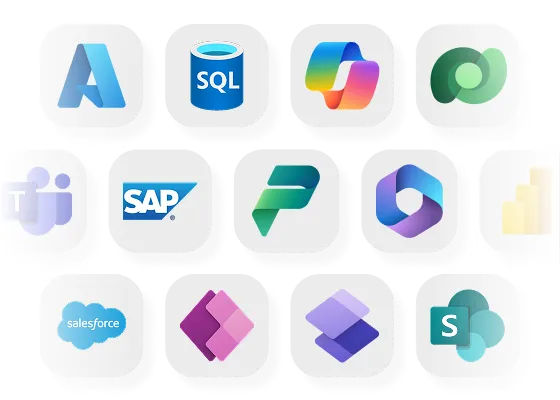
Seamlessly integrate with Microsoft 365 and 3rd-party tools.

Adapt Quickly
Solutions that grow with your team and business goals.
Build, automate, and launch business apps without the dev backlog
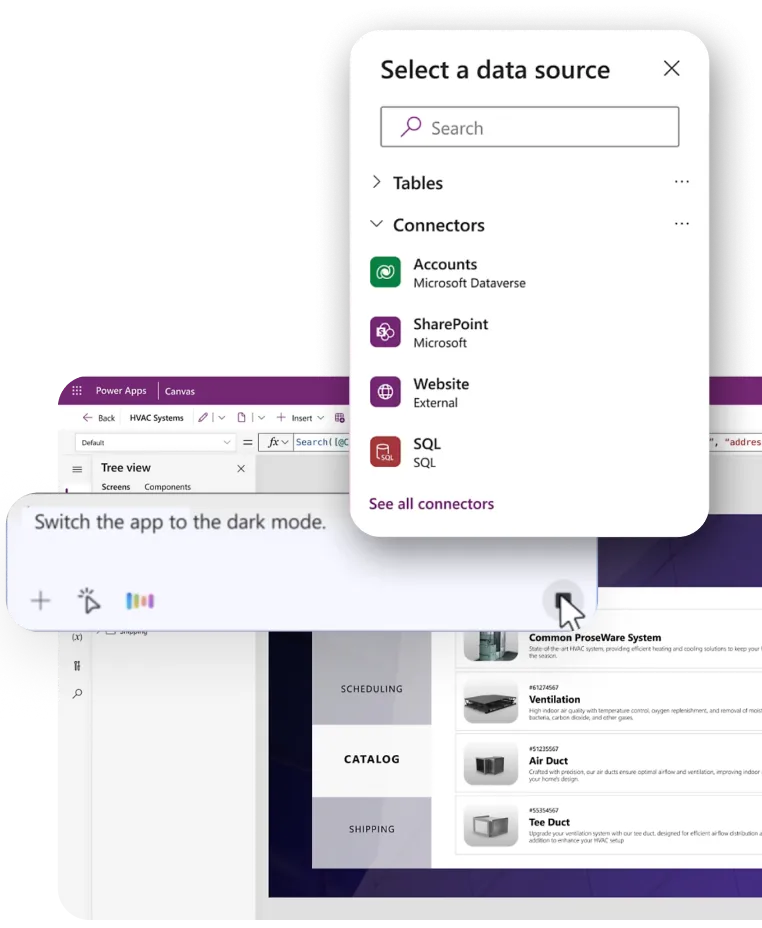
Power Apps enables organizations to design and deploy secure, low-code business applications tailored to their exact workflows. Replace spreadsheets, email-driven approvals, and disconnected tools with structured, role-based applications that run seamlessly across web, mobile, and tablet. Applications are built on enterprise-grade Microsoft architecture, integrate natively with existing systems, and can be delivered in weeks rather than months - without compromising governance, security, or scalability.
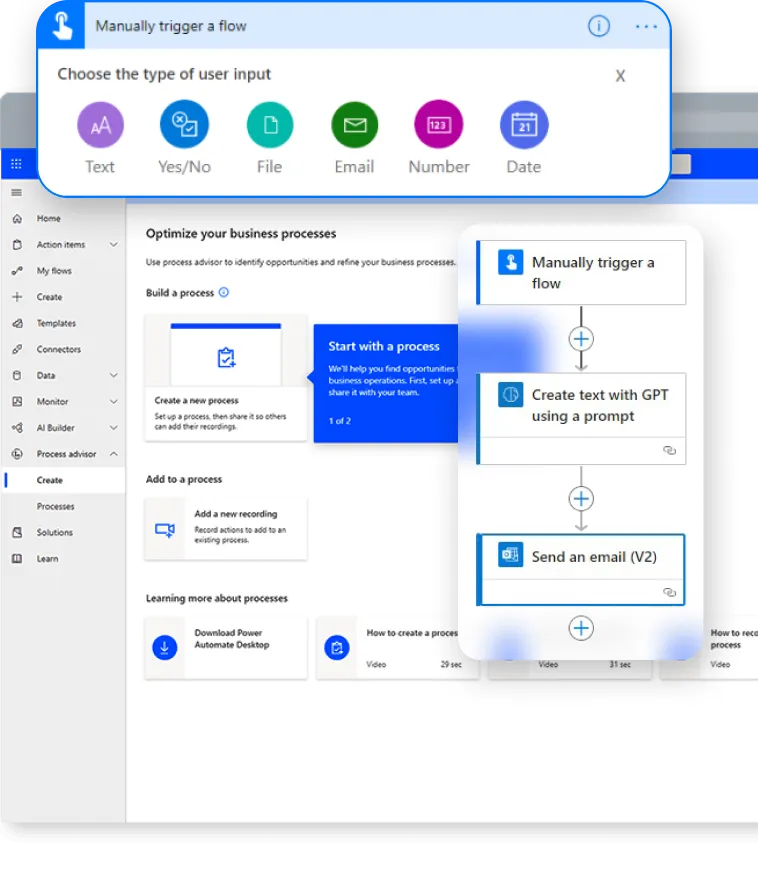
Power Automate streamlines repetitive and manual tasks by orchestrating workflows across applications, systems, and teams. From approvals and notifications to complex multi-step business processes, automation reduces operational friction, eliminates human error, and accelerates execution. With deep integration into Microsoft 365, third-party platforms, and legacy systems, Power Automate turns fragmented processes into intelligent, auditable workflows that run continuously in the background.
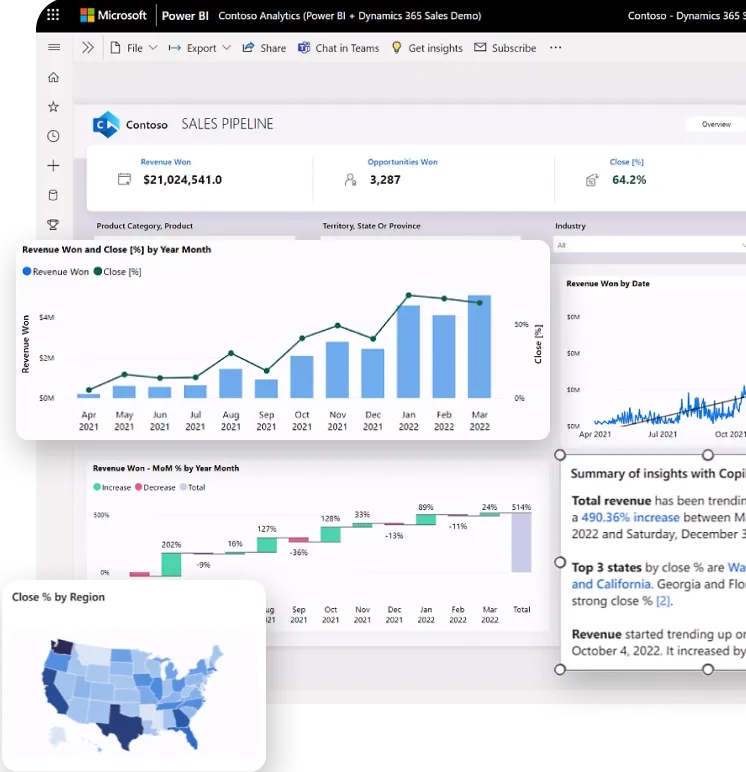
Power BI transforms raw operational data into interactive, real-time dashboards that drive informed decision-making. Consolidate data from multiple sources into a single, trusted view of performance across finance, operations, sales, and leadership. With advanced analytics, drill-down insights, and enterprise-grade security, Power BI empowers stakeholders at every level to monitor KPIs, identify trends, and act decisively based on live business intelligence.
Power BI transforms raw operational data into interactive, real-time dashboards that drive informed decision-making. Consolidate data from multiple sources into a single, trusted view of performance across finance, operations, sales, and leadership. With advanced analytics, drill-down insights, and enterprise-grade security, Power BI empowers stakeholders at every level to monitor KPIs, identify trends, and act decisively based on live business intelligence.
Your Power Platform Toolkit, At a Glance

Power Apps
Build custom apps without coding
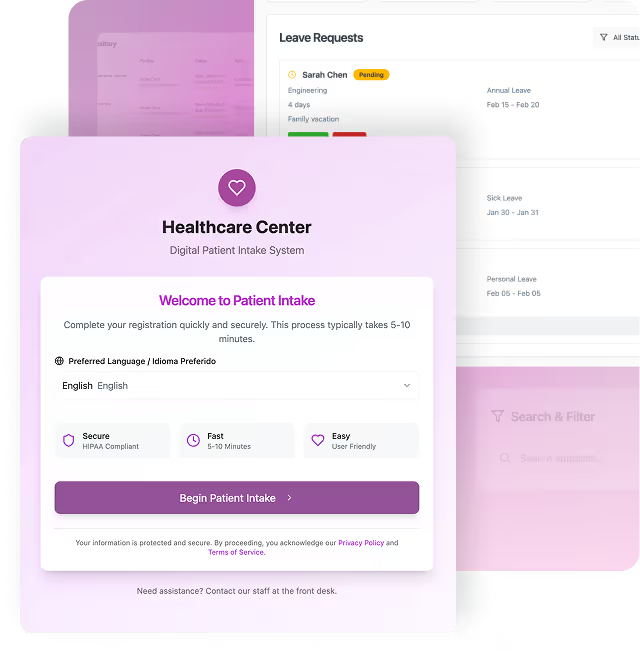
A warehouse team logs damaged goods on a mobile app.
A sales manager customizes a lead-tracking app for field reps.
A healthcare clinic tracks patient visits through an internal app.
Drag-and-Drop Form Builder
Connected & Secure
AI-Powered Dev, AI-Infused Apps

Power Automate
Automate tasks and approvals across systems
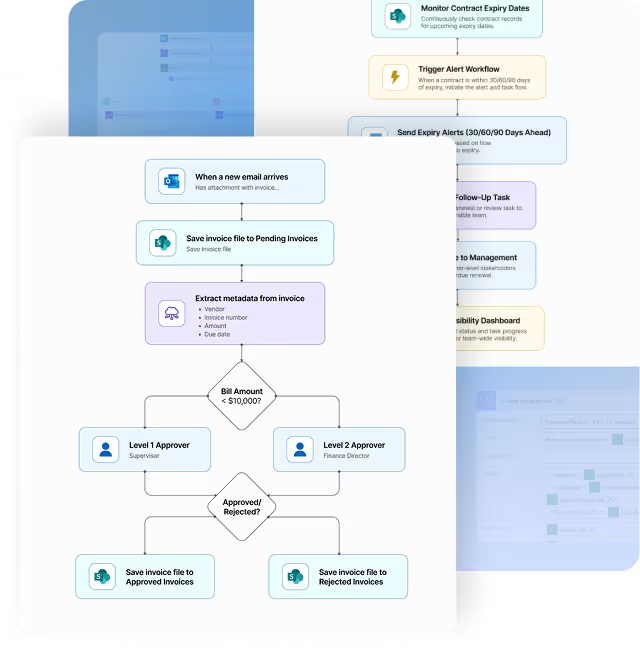
HR automates onboarding steps after a contract is signed.
A finance team auto-syncs invoices from email to SharePoint.
Managers get automated reports every Monday at 9AM.
Automated Flows
700+
Connectors
Trigger-Based Actions

Power BI
Turn data into dashboards and insights
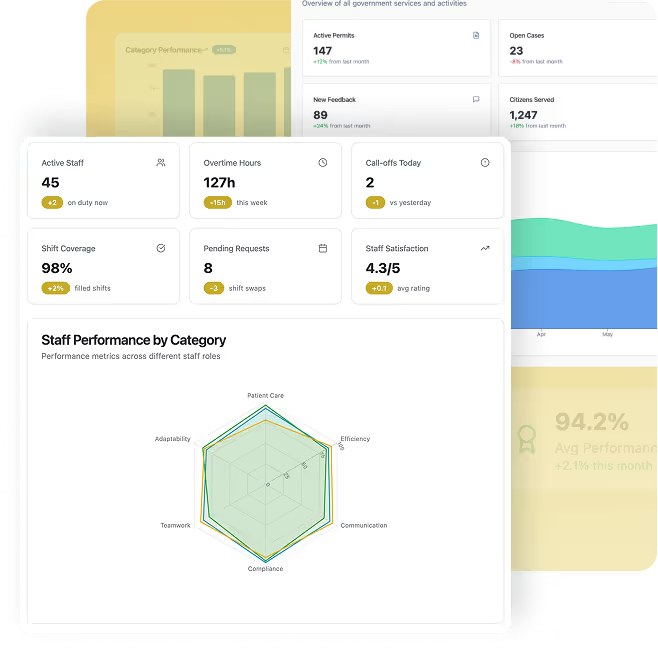
Executives monitor performance across regions in real-time.
A retail chain visualizes product sales by location.
An operations team spots trends in service requests.
Real-Time Dashboards
Data
Integration
AI-Powered Analytics

Copilot Studio
Use AI to generate content, reports, & summaries
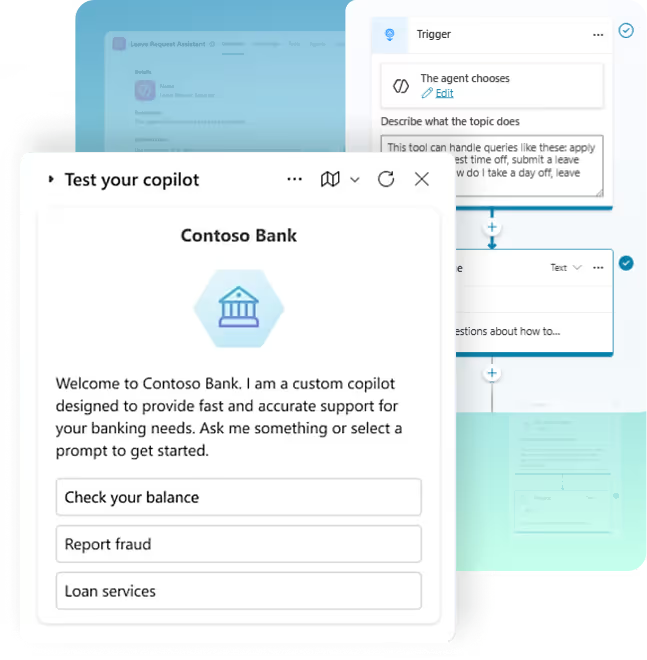
A manager asks Copilot to summarize this quarter’s results.
A salesperson gets Copilot to draft a follow-up email.
A team leader uses Copilot to generate a task list from meeting notes.
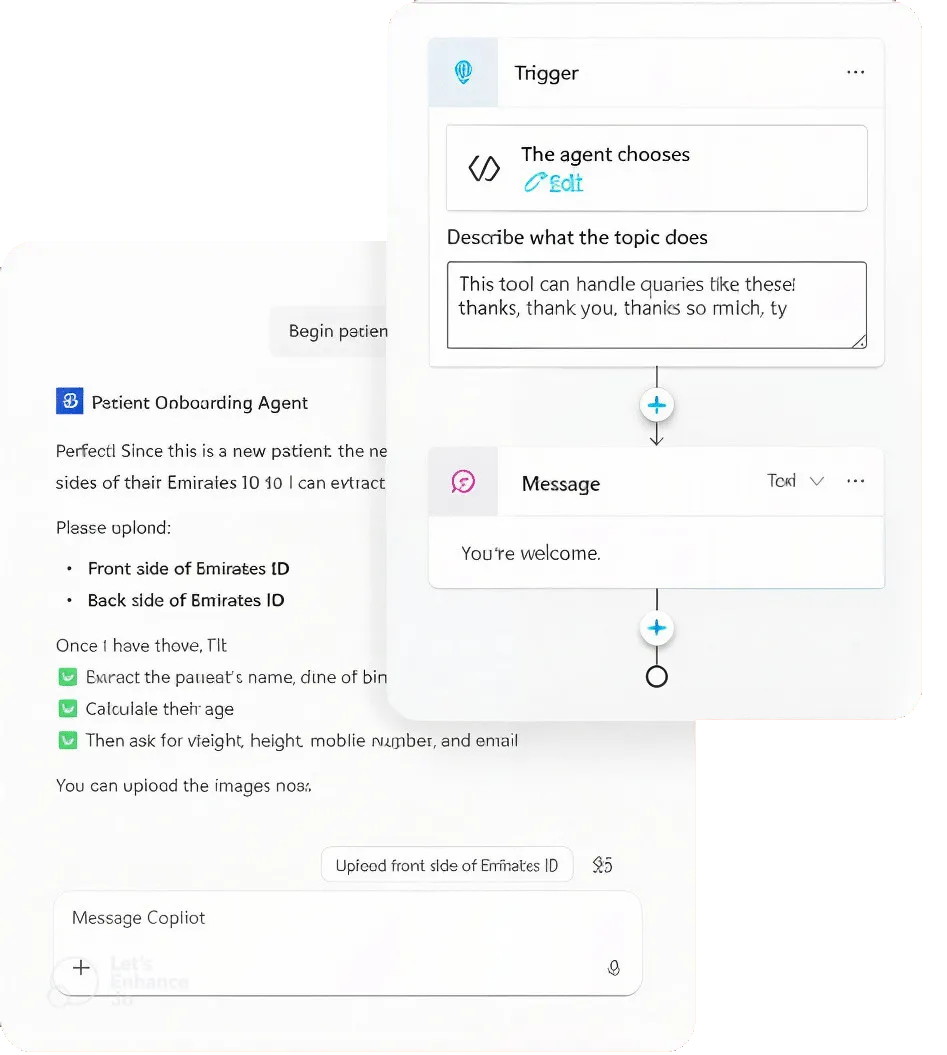
No-Code Bot Builder
Multi-Channel Deployment
AI-Powered Conversations
Power Pages
Create secure external or internal websites
A university launches a student portal for submissions and updates.
A bank provides a self-service form for KYC updates.
A municipality hosts a permit application portal for citizens.
Drag-and-Drop Web Builder
Dataverse Integration
Role-Based Access Control